 ZBDWear OS Studio
Wear Term
A real Linux terminal on your wrist. A native pty, a real shell, and zbd — a package manager that puts bash, curl, git and python straight onto the watch. No root, and no companion app on the phone.
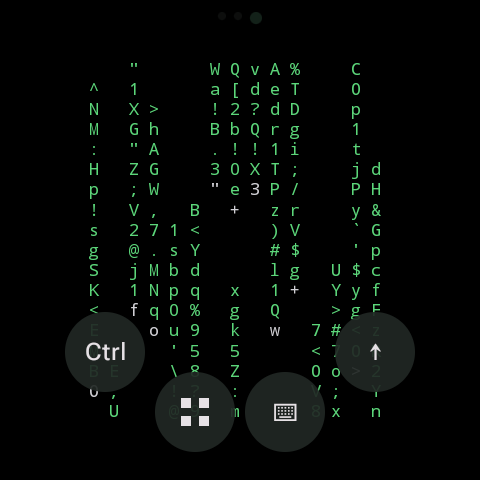
Not a fake shell — a real one
A native pseudo-terminal drives an actual Linux userland inside the app, with an xterm-compatible emulator on top of it.
Real pty, real shell
A native pseudo-terminal runs the shell, so interactive programs behave the way they do anywhere else — job control, signals and full-screen apps included.
zbd package manager
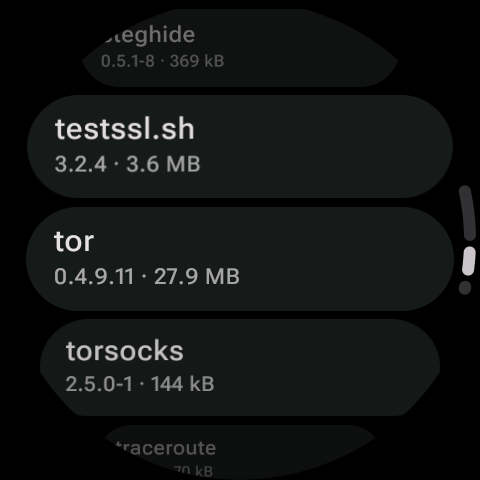
Around a hundred packages repackaged from Termux, resolved depth-first over their dependencies and verified by SHA-256 before anything touches the prefix.
Works offline
The repository index is cached and revalidated with an ETag. When the watch is off the network a stale index still installs whatever is already downloaded.
Built for a round screen
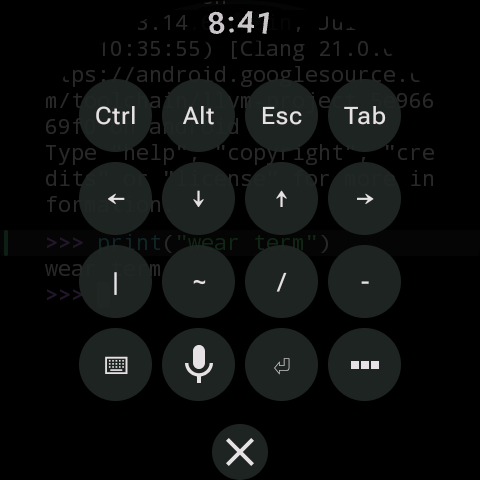
Compose for Wear OS throughout: rotary scrolling, a key strip for Ctrl, Esc, Tab and the arrows, voice dictation into the input line, and saved snippets.
Tile and complication
The running session count sits on the watch face, and one tap takes you straight back into the shell you left.
Survives screen off
Sessions are held open by a foreground service, so a long build or a running server keeps going after the display drops.
About a hundred packages, on the watch
Install the bootstrap package first — that brings in the shell and the core utilities. Everything else is optional, from the watch or from the shell.
Packages are repackaged from Termux builds and keep their own upstream licenses.
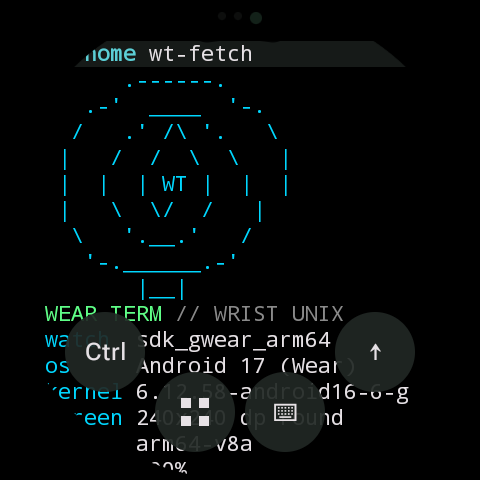
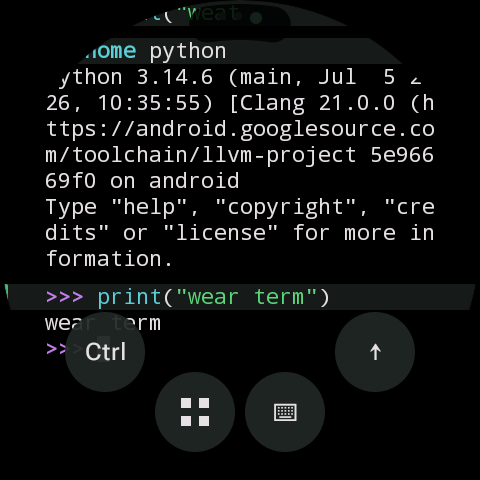
How it looks on the wrist
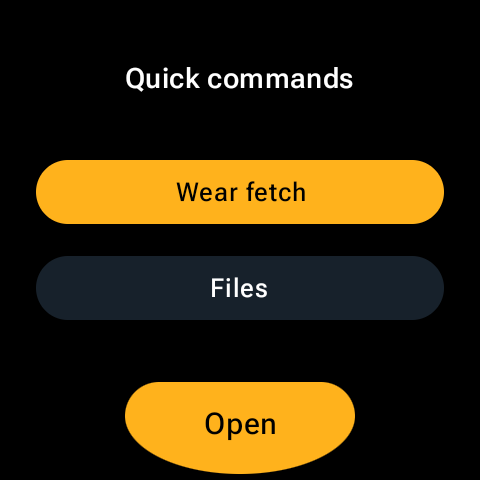
The terminal fills the screen; the controls stay out of the way until you reach for them.
Small scripts that use the watch
The shell can reach the hardware it is sitting on, so a few one-liners come bundled.
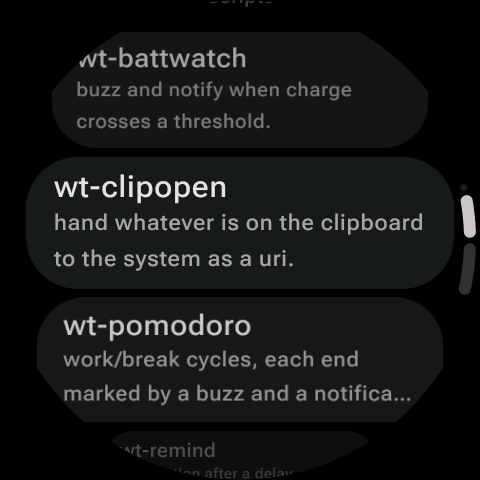
wt-battwatch
Buzz and notify when the charge crosses a threshold you pick.
wt-clipopen
Hand whatever is on the clipboard to the system as a URI.
wt-pomodoro
Work and break cycles, each end marked by a buzz and a notification.
wt-remind
Fire a notification after a delay, straight from the prompt.
Getting Linux to run where it shouldn't
Android will not execute files out of an app's data directory. Three tricks get around that without root.
A preloaded exec shim
A small library is LD_PRELOADed into every process and re-routes execution through a helper binary in the APK's native library directory, which is exec-allowed. Because it is preloaded into children too, the trick keeps working down the whole process tree.
Ten characters, on purpose
The application id is com.zbd.wt — exactly as long as com.termux. That makes the prefix path byte-for-byte the same length, so absolute paths baked into repackaged binaries can be patched in place.
A static, verifiable repository
The index is a static JSON file per architecture plus .zbd archives: a gzipped tar with a manifest, a files/ tree merged into the prefix, and an optional post-install script. Every merged path is recorded, so removal deletes exactly what was added.
What it needs
A Wear OS 3 watch
Minimum API 30, on aarch64, 32-bit arm (the Xiaomi Watch 2 and friends) or x86_64. Nothing else — no root, and no app on the phone.
Space for the userland
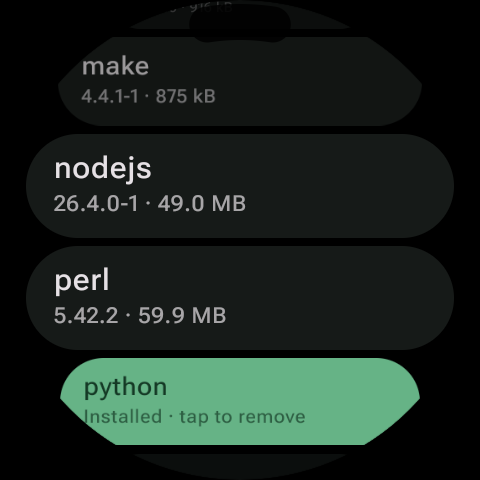
The bootstrap is small, but full toolchains are not — nodejs is about 49 MB and perl about 60 MB. Sizes are shown next to every package before you install it.
No account, no ads
No sign-in and no advertising. The shell runs on the watch, and the only network traffic is the package index and the archives you ask for.
Bring a shell with you
A pty, a package manager and about a hundred tools, on the watch you already wear.
Coming soon to Google Play for Wear OS.