PH
Type from your phone
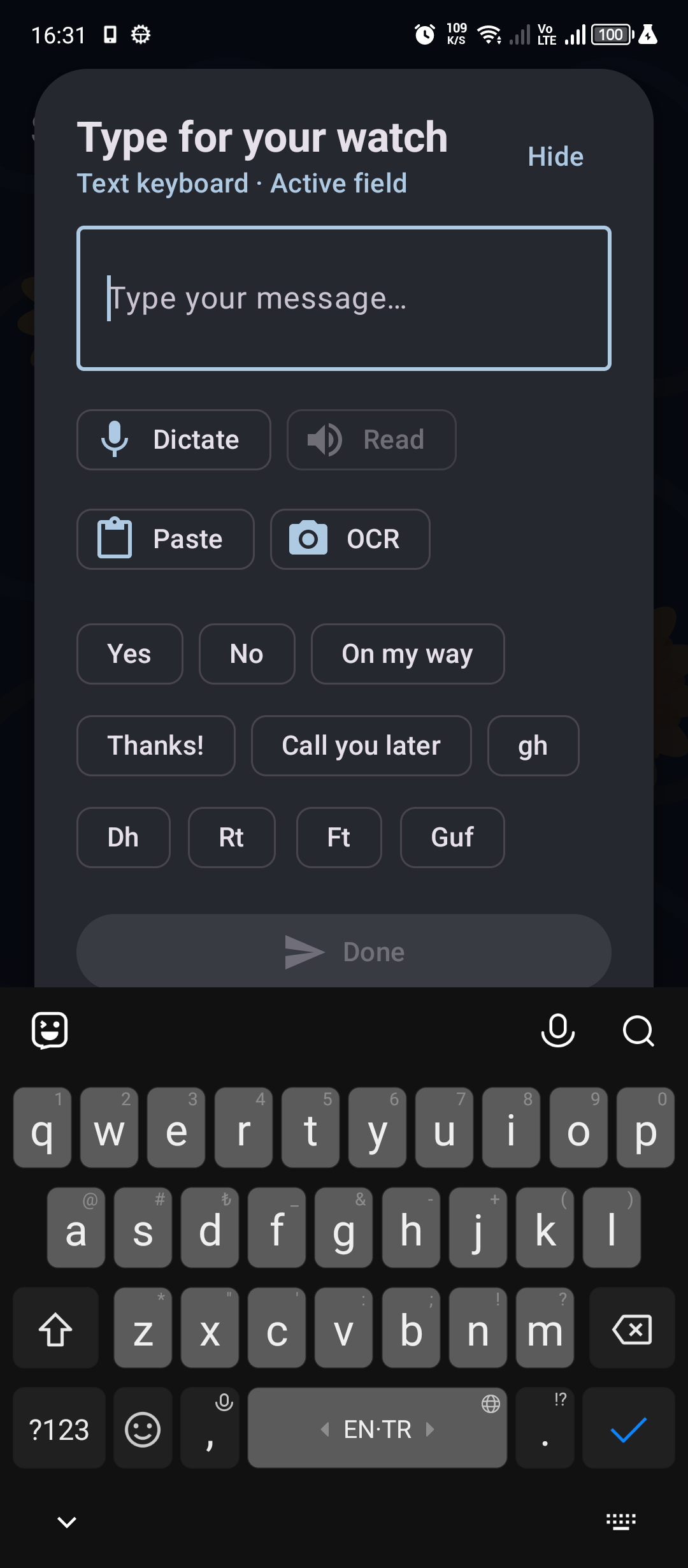
Use a convenient notification or the full editor to write for the active field on your watch.
 ZBDWear OS Studio
YOUR PHONE IS NOW YOUR WATCH KEYBOARD
SyncBoard brings the active text field on your Wear OS watch to the full-size keyboard on your phone. Type naturally, send instantly, and keep moving.
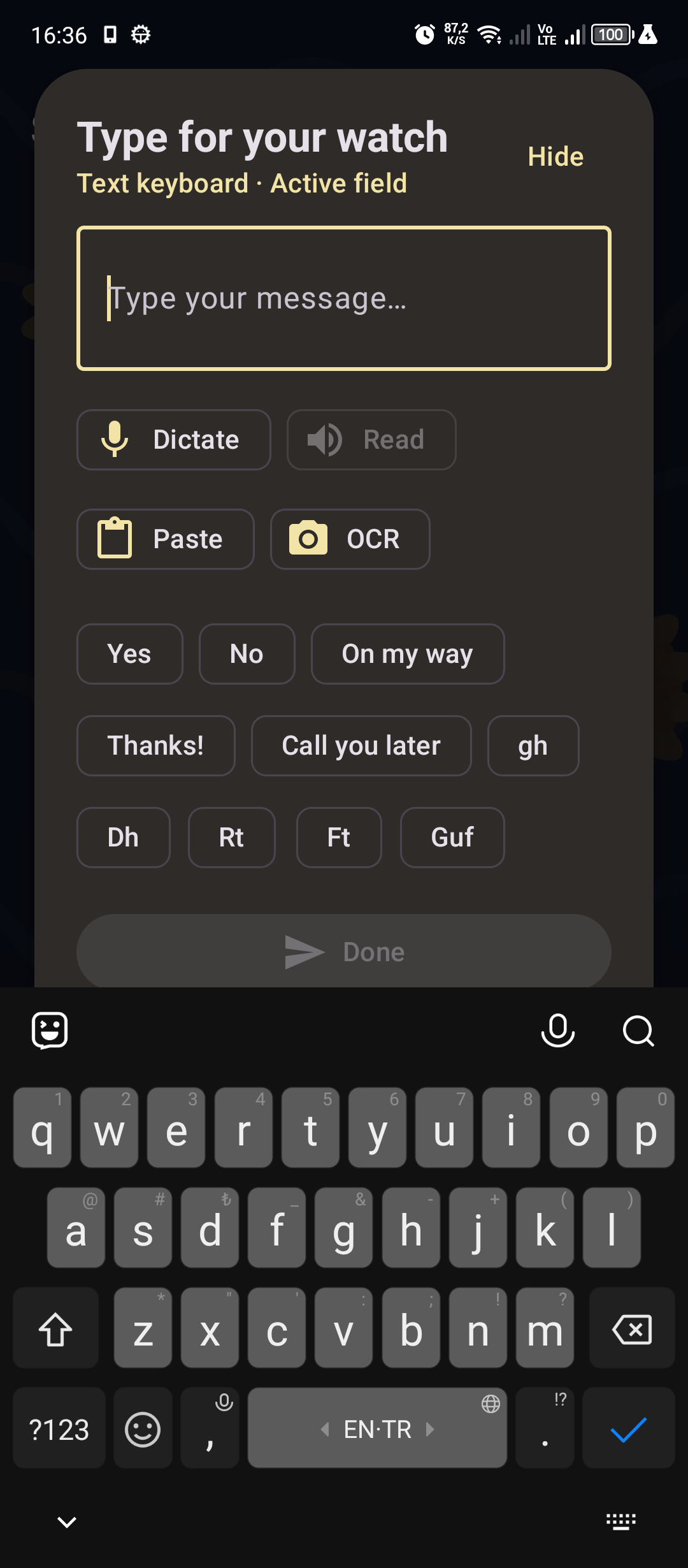
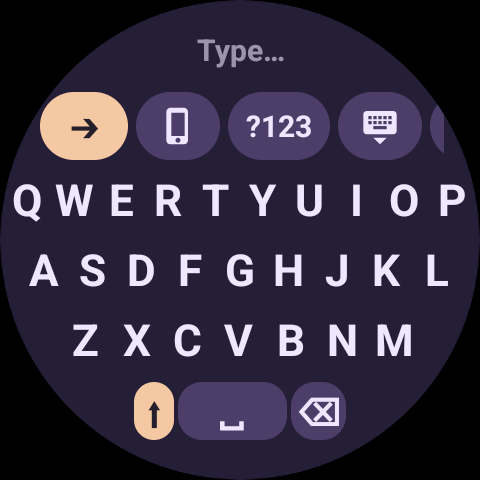
Use your phone when the message is longer. Stay on your wrist when it is not. SyncBoard keeps both options ready.
Use a convenient notification or the full editor to write for the active field on your watch.
Choose from Turkish, English, German, French, Spanish, Russian, Greek and many more layouts.
Quick replies and text shortcuts turn repeated messages, addresses and signatures into a tap.
Use dictation, phone clipboard, emoji, suggestions or optional camera text recognition when useful.
A real phone-to-watch session.
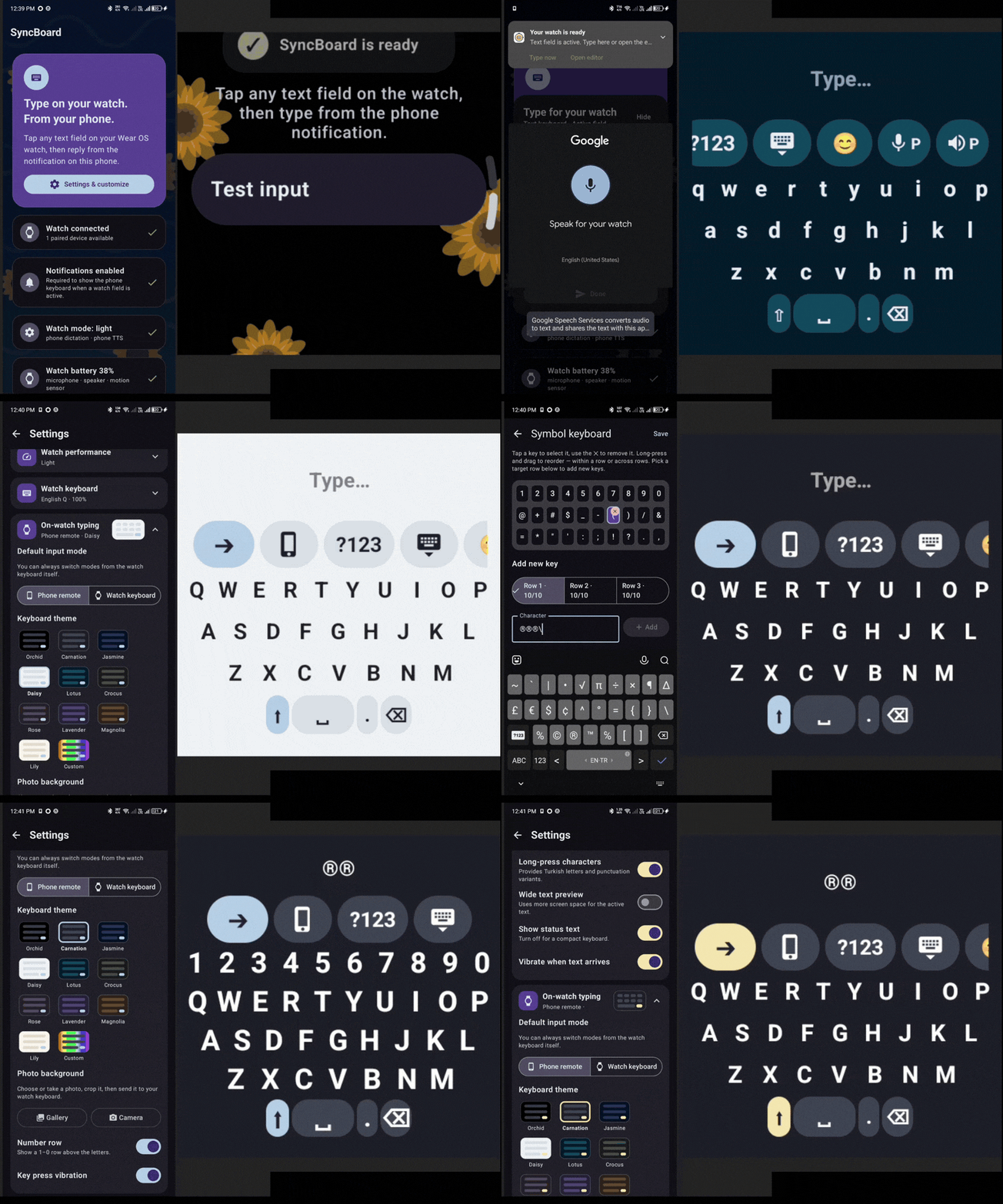
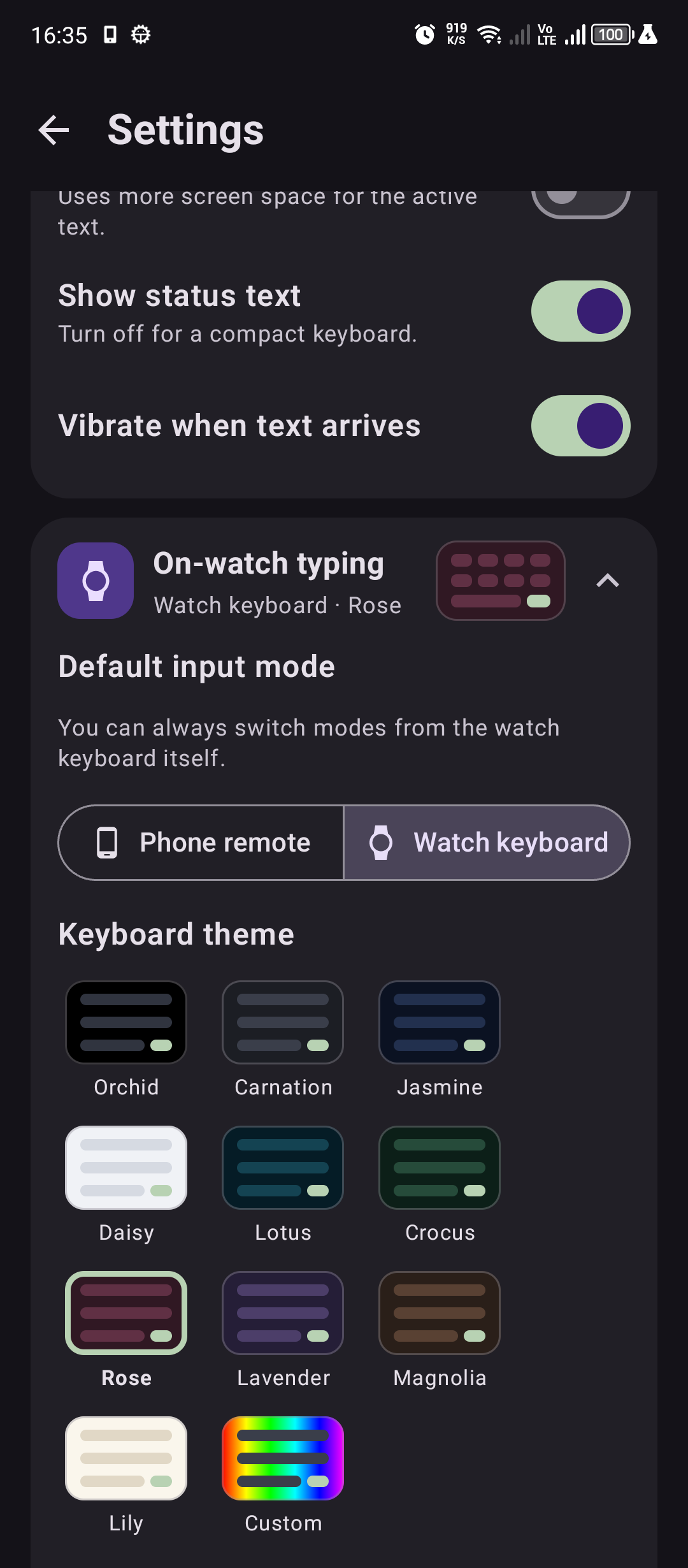
Switch layouts, preview more text and adjust the keyboard to fit your fingers and your display.
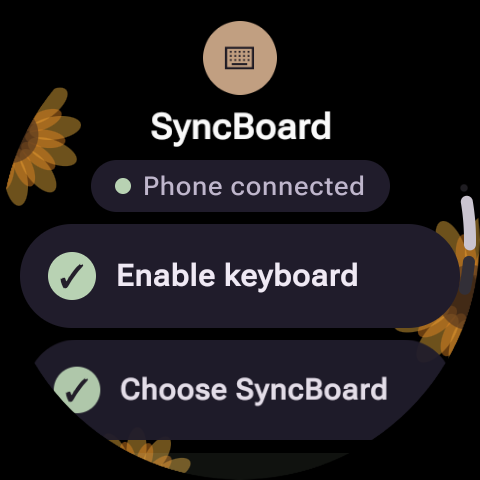
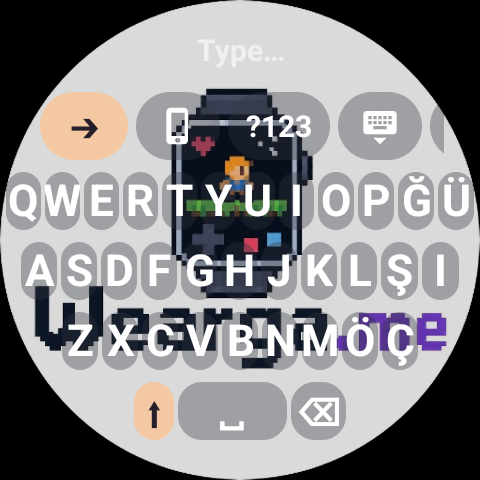
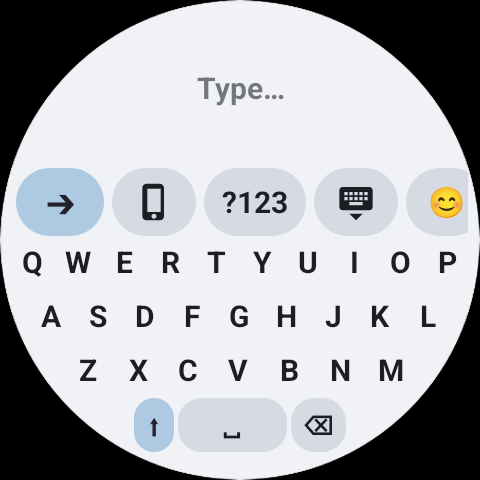
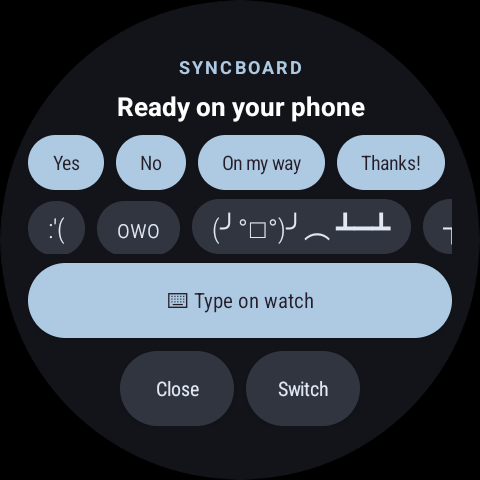
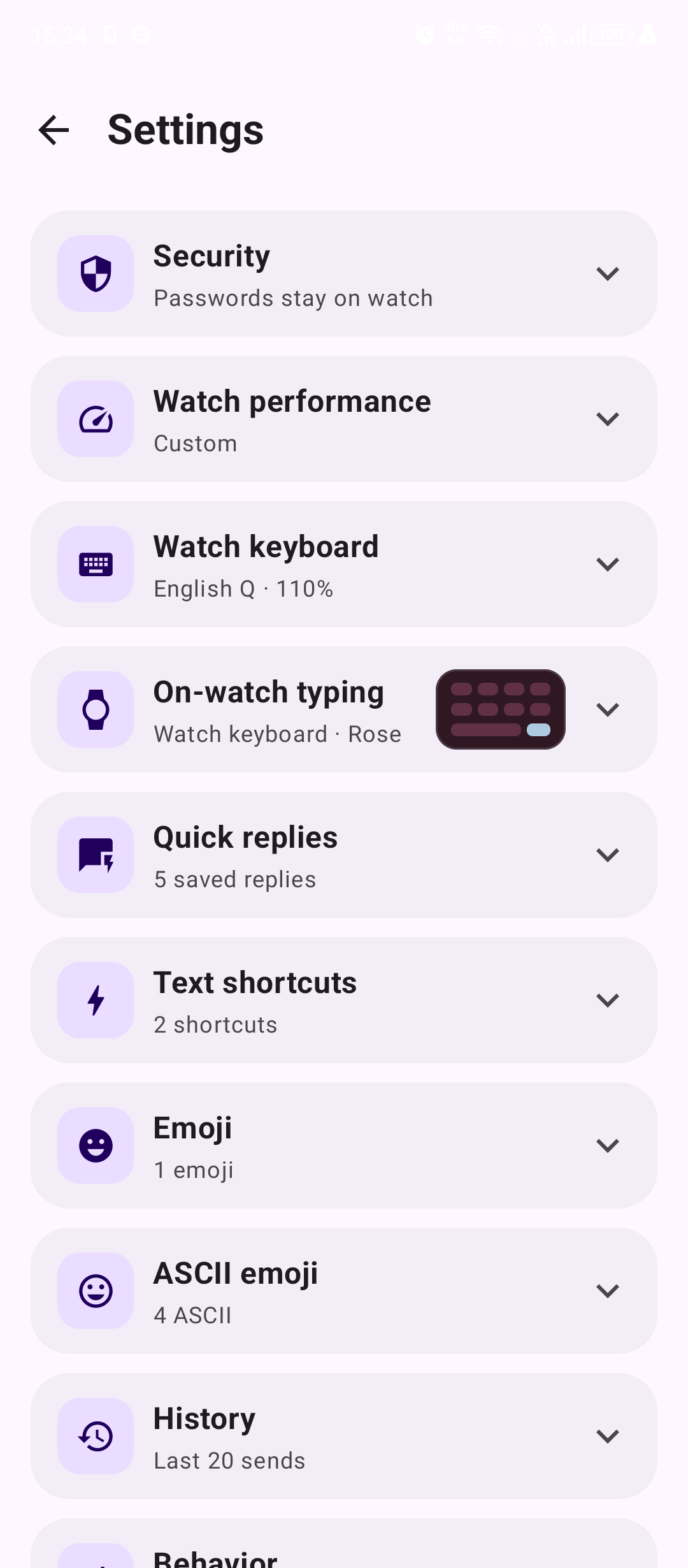
Write long messages comfortably, then tune layouts, key size, spacing, colors, gestures and useful extras from one clear settings hub.
Password and PIN fields stay on your watch by default. If you choose phone password typing, sensitive text is handled separately and never enters send history. History itself is optional and can be cleared whenever you want.